Blog
Phone vs DSLR: Which Makes Your Diamond Look Bigger on Instagram?

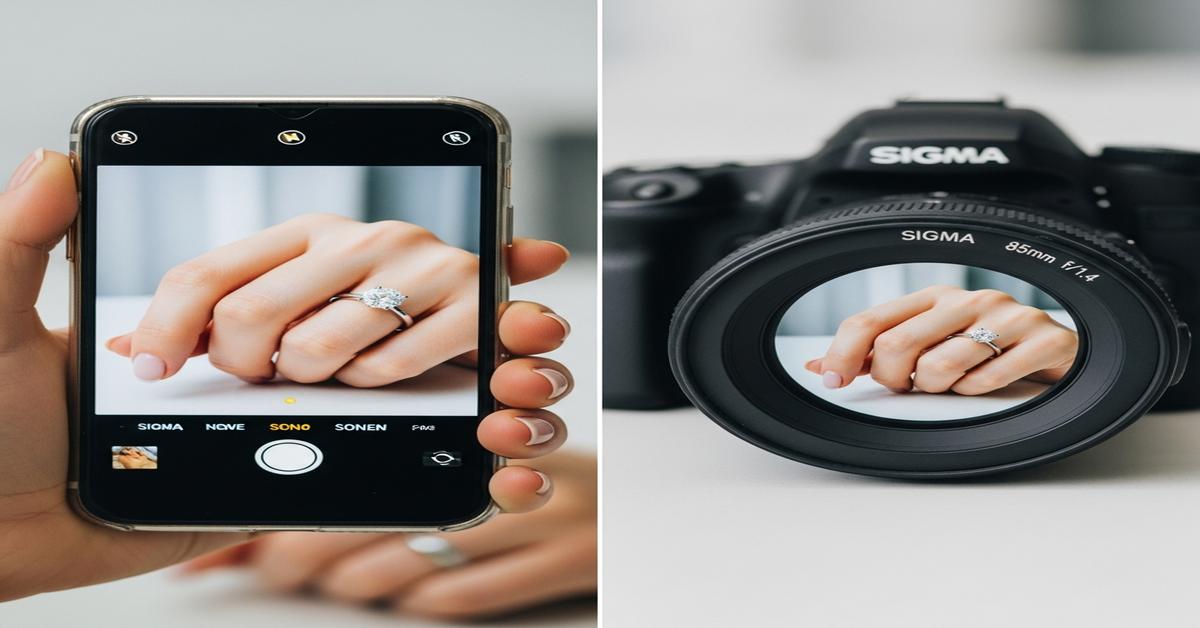
Instagram shrinks every photo and shows it on a phone screen. That means your diamond’s “size” on the feed is 90% about optics, angles, and contrast—not carats. The question isn’t which camera is “better,” but which one lets you control perspective and light so the stone looks wide and commanding. Here’s how phones and DSLRs really stack up, and how to use each to make a diamond look bigger without crossing into distortion.
What actually makes a diamond look bigger in photos
“Bigger” is a perception game driven by a few technical levers:
- Perspective: The closer the camera is with a wide lens, the more the nearest object (the diamond) swells relative to the finger. Telephoto lenses flatten perspective, which looks natural but less exaggerated.
- Edge definition: Diamonds look larger when their outline (girdle/prong line) is crisp and bright against a darker background. Fuzzy edges shrink perceived spread.
- Isolation: A blurred finger and background make the diamond seem dominant. If everything is sharp, your eye compares the stone to the finger and the “size” normalizes.
- Framing: A tight 4:5 vertical crop that fills the frame makes any subject feel bigger on feed.
- Lighting direction: Hard, directional light near 20–30° off-axis sculpts a bright edge and dark contour, which increases apparent width. Flat overhead light makes stones look smaller.
Carat doesn’t matter once you lose scale cues. For example, a 1.00 ct round (~6.4–6.5 mm) can be made to look similar to a 1.50 ct (~7.3–7.5 mm) if perspective and isolation favor the smaller stone.
Phones: strengths and traps
What phones do well
- Wide lenses at close range: Most main cameras are ~24–28 mm equivalent. At 10–20 cm from the hand, this exaggerates the stone relative to the finger. That “near looks bigger” effect can make a 1 ct feel like more.
- Computational pop: Phones add local contrast, sharpening, and HDR. Micro-facet sparkle reads well at Instagram’s ~1080 px width, helping the stone look crisp and assertive.
- Portrait modes: Artificial blur isolates the ring so it fills the visual hierarchy, giving a larger impression.
Where phones mislead or falter
- Distortion: Ultra-wide or macro modes (often using the ultra-wide camera) can stretch the ring, oval the round, and warp prongs. The diamond may look bigger but also oddly shaped.
- Edge artifacts: Portrait edge detection can smudge prongs or the girdle, softening the outline and reducing believable spread.
- Too much detail everywhere: Small sensors keep a lot in focus. If the finger texture is ultra-sharp, the brain judges scale more accurately—and the diamond can feel smaller.
Bottom line for phones: Use a mild tele (2–3×) and back up to reduce distortion while keeping the stone prominent. Computational processing helps, but respect the outline.
DSLR/mirrorless: strengths and traps
What larger cameras do well
- Lens choice: A 60–105 mm macro lets you fill the frame from a comfortable distance, minimizing distortion and keeping shapes honest. A 100 mm macro on full-frame at f/4–5.6 gives clean separation without weird geometry.
- Controlled depth of field: True optical blur isolates the stone, making it “read” larger without software artifacts.
- Lighting control: Off-camera light, small reflectors, and diffusion let you craft a bright, crisp rim and dark negative space so the diamond’s outline expands visually.
Where bigger cameras can undersell size
- Natural perspective: A 85–105 mm viewpoint is flattering but honest. If you don’t push composition and lighting, the diamond can look truer to size—i.e., not exaggerated.
- Over-resolving everything: At f/8 with flat light, the finger, prongs, and background are all very defined. That reduces the sense of scale advantage.
Bottom line for DSLRs: You can make the stone look large and luxurious with minimal distortion—if you lock in angle, light, and crop. It’s less “instant big,” more “big but believable.”
Which one makes it look bigger on Instagram?
For quick hand shots in Stories or feed: A phone often makes the diamond look bigger, simply because you’re close with a wider lens and the processing adds sparkle. Use 2× or 3× instead of the main or ultra-wide to avoid warping.
For product-style glamour posts: A DSLR/mirrorless with a 90–105 mm macro usually wins. You can engineer a crisp outline, isolate the stone, and crop 4:5 tall to maximize screen real estate. It looks large without bending geometry.
Net: If your goal is “largest possible look with minimal effort,” phone wins. If you want “largest believable look with clean shape,” DSLR wins.
Phone setup that makes diamonds look bigger (honestly)
- Lens: Use 2×–3× camera if available. Avoid ultra-wide macro for the hero shot; it warps rounds and elongates ovals.
- Distance: Keep ~25–40 cm from the ring and crop later. This keeps perspective natural but still flattering.
- Angle: Slight top-down (10–15°). It broadens the face-up and reduces finger width in frame.
- Light: Stand by a window with indirect daylight (5000–6500 K). Add a small point light (phone flashlight bounced off white card) at ~30° to rim-light the girdle. Diffuse with a tissue to avoid harsh hotspots on the table.
- Background: Dark, matte fabric behind the ring finger. A darker field makes the outline look wider.
- Portrait mode: Use lightly. If edges look cut out, turn it off and step closer at 2×, then crop.
- Exposure: Tap to focus on the table, lower exposure until facets have crisp contrast. Overexposure melts edges and shrinks perceived spread.
- Crop: Post 4:5 vertical for feed dominance. Fill the frame with the ring and minimal wrist.
DSLR/mirrorless setup that makes diamonds look bigger
- Lens: 90–105 mm macro (full-frame) or 60 mm macro (APS-C). Example: 100 mm macro at ~1:3 magnification.
- Aperture: Start at f/4–f/5.6 to keep the table and upper pavilion facets sharp while blurring the finger.
- Working distance: ~30–45 cm. This maintains a natural shape without wide-angle bulge.
- Light: One small LED or flash at ~30° above the stone, plus a white card opposite for fill. Consider a simple ring of diffusion (white paper cup) to soften speculars but keep a bright edge.
- Polarization: Cross-polarize if metal glare overwhelms the outline: linear/circular polarizer on lens + polarized light source. This deepens metal tone, making the diamond edge stand out.
- Angle: Slight top-down with the table facing the camera. Avoid steep angles that shorten the apparent diameter.
- Crop & export: Frame for 4:5. Export to 1080 × 1350 px to control Instagram’s downsize and keep edges crisp.
Composition, hands, and metals: small choices, big impact
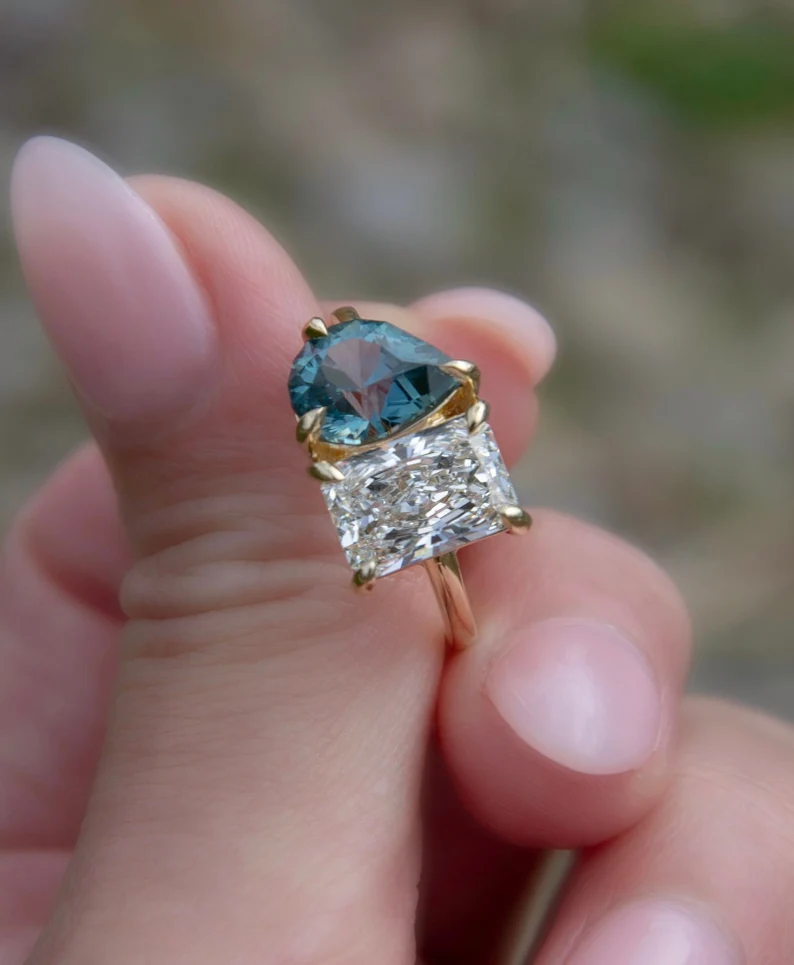
- Finger as scale: The more finger in frame, the more accurate the viewer’s size judgment. To look bigger, crop tighter around the ring and avoid showing the full finger width.
- Hand posture: Slight curl and relaxed fingers reduce apparent finger width. Flat, spread fingers make the diamond look smaller by comparison.
- Mounting and prongs: Thin, bright prongs visually extend the girdle. Thick prongs eat into face-up spread. A halo will always photograph larger because the outline is bigger—know what you’re communicating.
- Metal color: 14k vs 18k yellow gold: 18k’s richer hue increases contrast against a D–F color diamond, making the white face look larger. Platinum (Pt950) is slightly grayer than fresh rhodium-plated 14k/18k white gold; that subtle contrast can help the outline read wider. Recently rhodium-plated white gold will look crispest; tarnished or scratched metal lowers edge contrast.
Editing for scale without lying
- Sharpen edges, not noise: Apply modest sharpening or clarity just to the diamond. Keep finger texture subdued so the stone dominates.
- Protect the outline: Over-blur or over-noise-reduction softens the girdle/prongs and shrinks perceived size.
- White balance: Cooler (5200–5600 K) can make the edges feel crisper. Too warm blends diamond and gold, reducing spread.
- Local contrast: A gentle vignette and subtle micro-contrast on the stone increases “presence” at Instagram resolution.
- Honesty check: If the round looks oval or prongs bend, you’ve overdone perspective or portrait mode. Fix it; viewers notice.
The bottom line
Phone makes a diamond look bigger, faster, thanks to close shooting and computational pop—use 2–3×, good window light, and a tight 4:5 crop. DSLR/mirrorless makes it look big and believable with a 90–105 mm macro, shallow depth of field, and crafted lighting.
If you post quick hand shots, reach for the phone with a tele lens. If you’re making the hero feed image, the macro-equipped DSLR wins. Either way, protect the outline, control perspective, and give the diamond a dark, clean stage. That’s what fills the screen.